Scanning and labelling family photos
Scanner settings, a file-naming pattern, captions that stay with each image and storage habits that protect the original prints in a box of old family photos.
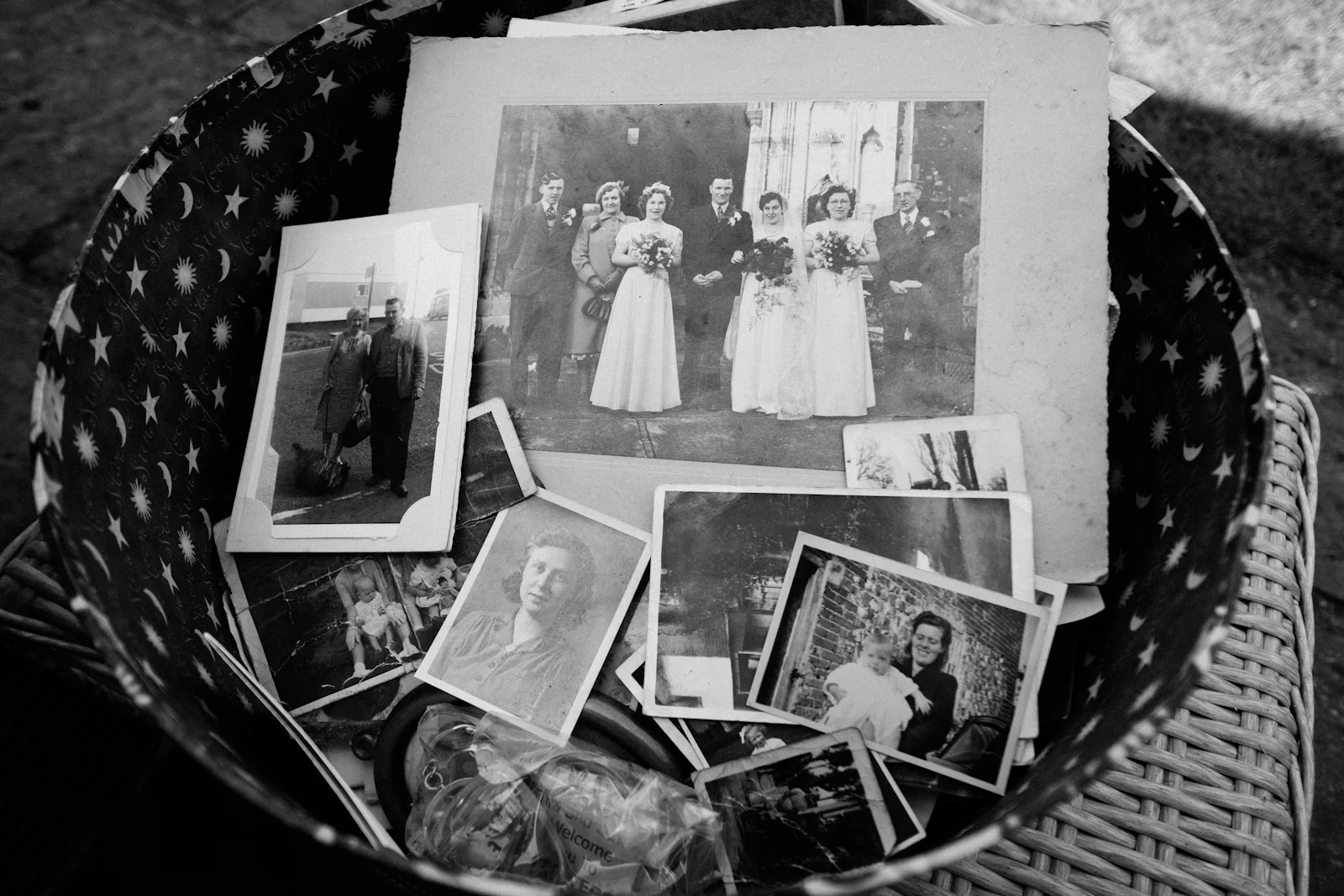
A box of old photographs can tell a family historian a great deal, and it is easily damaged. Prints fade, captions get lost, and each year fewer people are left who can name everyone in them. Scanning and labelling old family photos, then storing the originals properly, protects the collection for the next generation and makes it much easier to share.
Sort before you scan
Hold off on scanning for now. A first pass through the box saves time later.
- Work on a clean, dry table with clean hands, or wear cotton or nitrile gloves.
- Group photos loosely by family branch, place or decade.
- Keep any photos that arrived together as a group; their order can be a clue.
- Set aside damaged, curled or stuck-together prints to handle separately.
Scanner settings for old family photos
A flatbed scanner gives more consistent results than a phone camera, although a phone in good, even light is better than nothing.
Suggested settings
- Scan standard prints at 600 dpi, and go higher for small prints or slides you may want to enlarge.
- Use colour mode even for black-and-white photos, so the scan captures the tones of the paper.
- Save a master copy as TIFF or a high-quality JPEG, and make smaller copies for sharing.
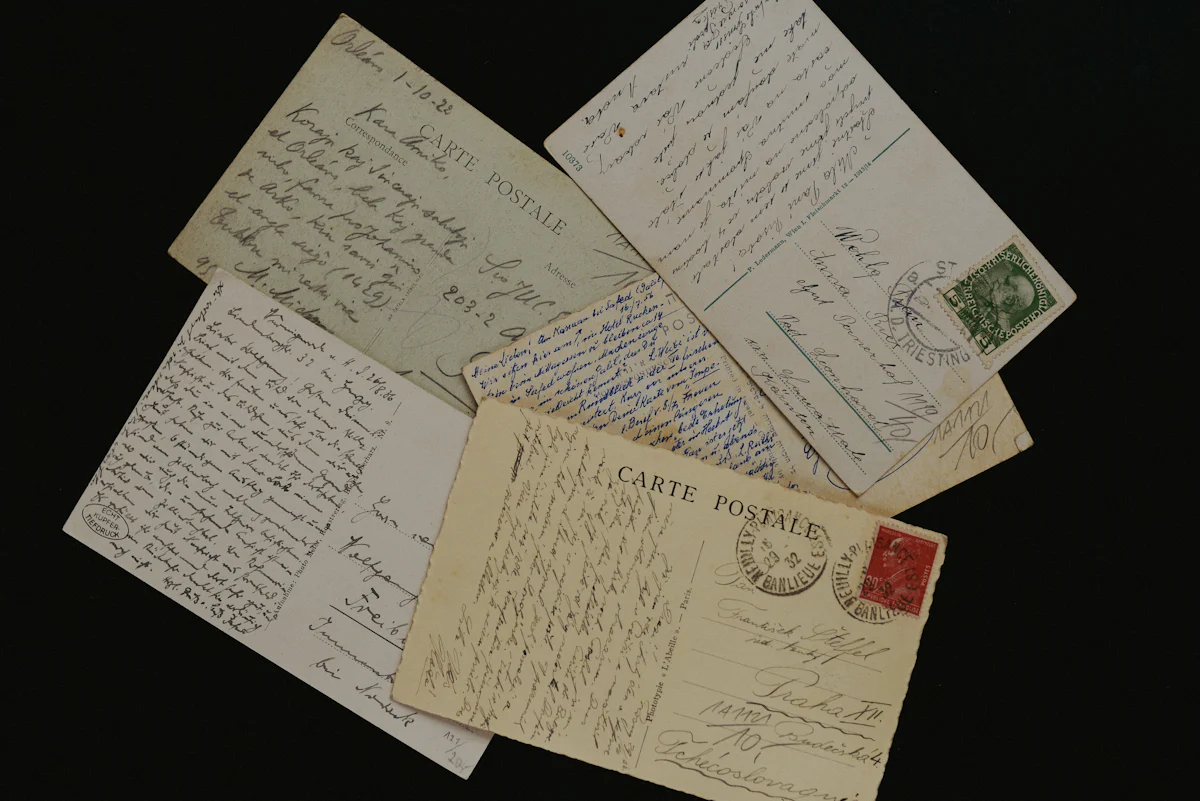
- Scan the back of any photo with writing, a studio stamp or a date on it.
Avoid heavy automatic "enhancement" on the master file. Keep it as close to the original as possible and make edited versions separately.
Name files consistently
A clear naming pattern lets you find images years later. One common approach is surname, year and a short description:
hughes_1923_wedding-ellen-and-thomas.tifhughes_1923_wedding-ellen-and-thomas_back.tif
When the date is uncertain, write "c1920" or "unknown" instead of guessing.
Capture the story while you can
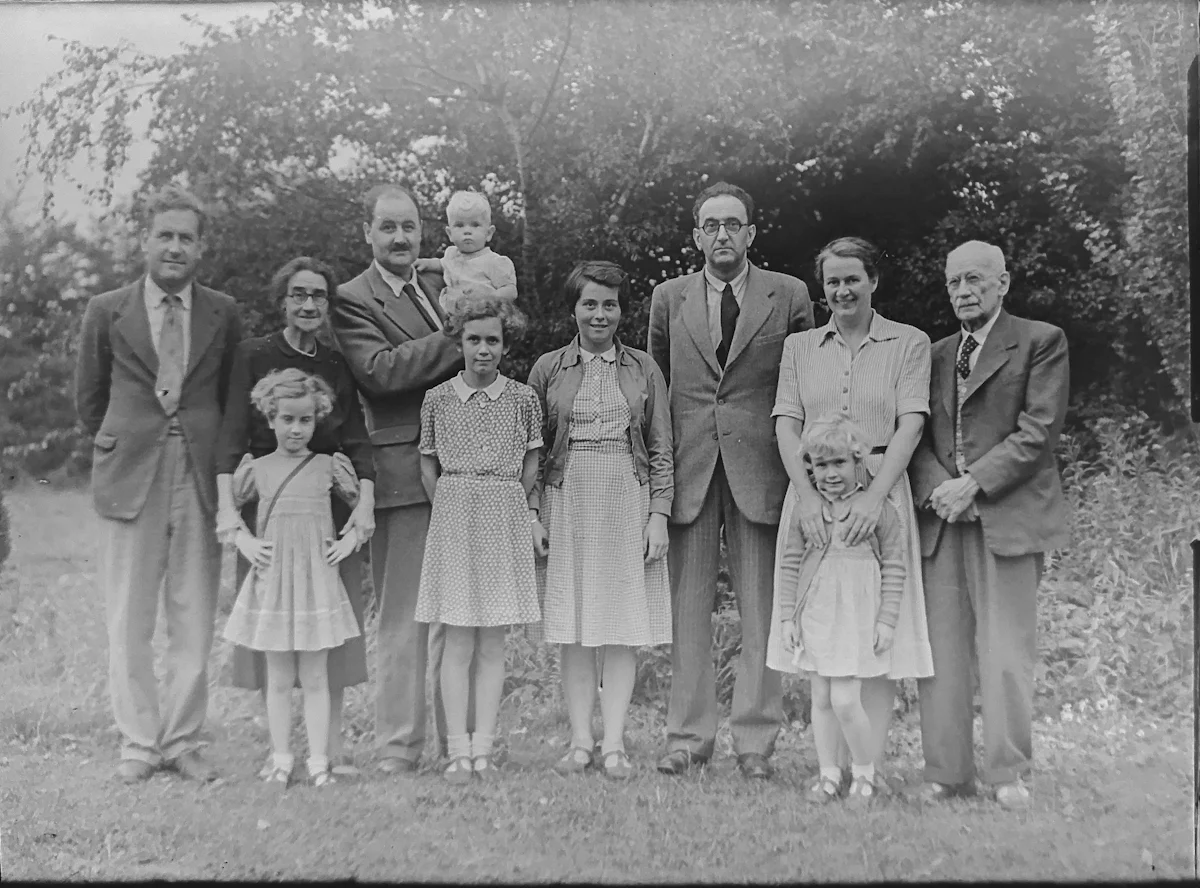
A photo with a caption can be used as evidence; one without is much harder to place. For each photo, note who is in it, where and when it was taken, who owned it, and how you know. Show the scans to older relatives; a tablet makes it easy to zoom in on faces. Studio names and addresses on card mounts can also help date a portrait, as can clothing styles and photographic formats.
Where to store labels
- In the file's embedded metadata, so the caption travels with the image.
- In a simple spreadsheet listing file name, people, place, date and source.
- On the back of the original, lightly in soft pencil, never ink or ballpoint.
Store the originals safely
- Use acid-free envelopes, boxes or albums labelled as archival or photo-safe.
- Keep them somewhere cool, dark and dry; lofts, garages and damp cellars are risky.
- Remove rusty paper clips, rubber bands and sticky tape where you can do so without damage.
- Do not try to separate prints that are stuck together; ask a conservator for advice.
Back up the digital copies
Follow the familiar three-two-one rule: three copies, on two different kinds of storage, with one kept away from home, for example on a cloud service or with a relative. Once a year, check that the backup files still open.
A quick checklist
- Photos sorted and damaged prints set aside.
- Fronts and inscribed backs scanned at 600 dpi or more.
- Files named to a consistent pattern.
- Captions recorded in metadata or a spreadsheet.
- Originals in acid-free storage, digital copies backed up.
Where to go next
Attach the labelled scans to the people in your family tree so each image sits beside the records that describe that person. If faces are still unnamed, take the scans along when interviewing older relatives, and see how to start a family tree in one evening if you do not have a tree yet. Many tree platforms, including MyHeritage, let you upload photos to individual profiles; check each service's privacy and download options before uploading a whole collection. The homepage guide to DNA testing and genealogy explains how photos, records and DNA results fit together.